

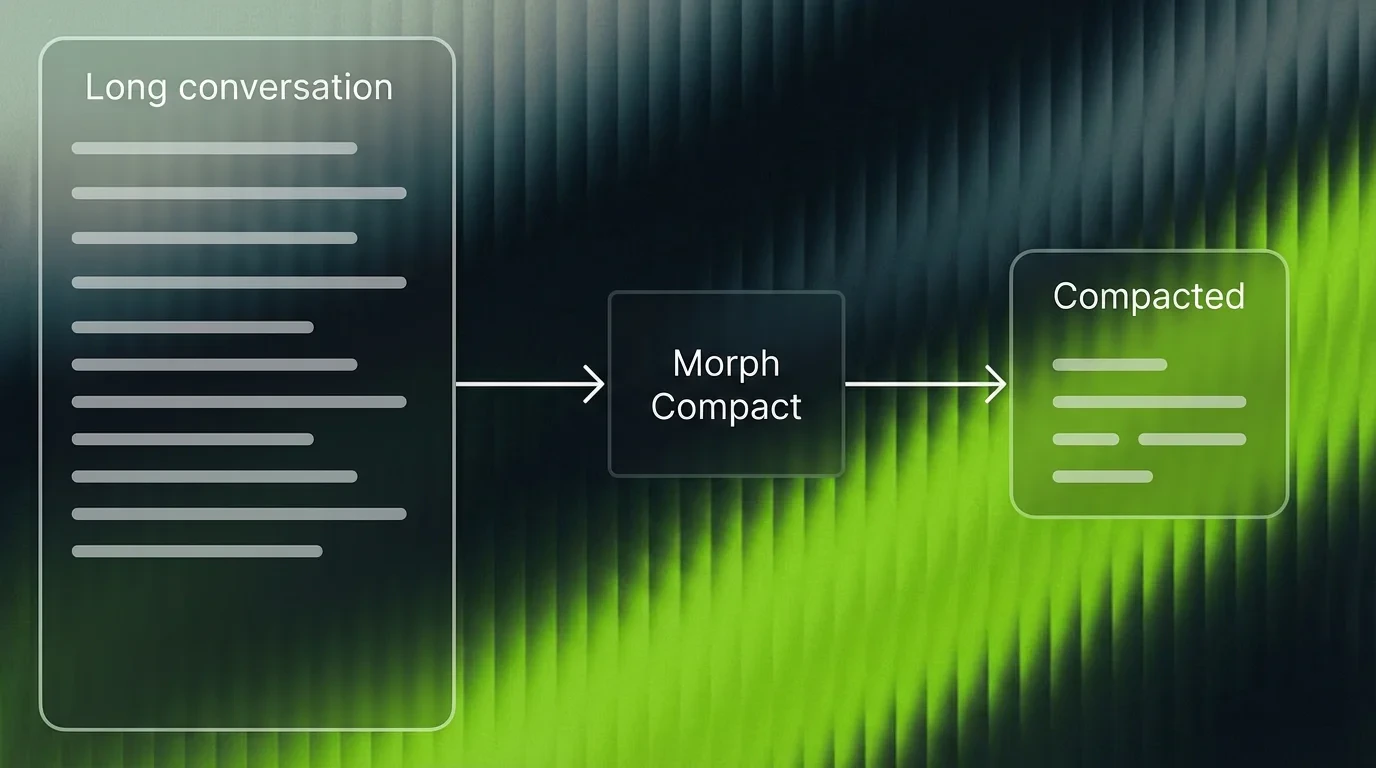
Compaction works by deleting entire lines from the input — it never rewrites or paraphrases. This means if more than ~10% of the context you feed in lives on a single line, compaction cannot selectively trim within that line and results will be poor. Split long single-line payloads (e.g., minified code or giant JSON blobs) into multiple lines before compacting.
Quick Start
Logged in? Your API key auto-fills in the code blocks below. Otherwise, get it from your dashboard.
- Morph SDK
- HTTP
- OpenAI SDK (TS)
- OpenAI SDK (Python)
- Python (requests)
Query-Conditioned Compression
Thequery parameter tells the model what matters. The model scores every line’s relevance to that query, then drops lines below the threshold.
query, the model auto-detects from the last user message. Explicit queries give tighter compression.
Line Ranges and Markers
By default, each message includescompacted_line_ranges (which lines were removed) and (filtered N lines) markers in the text. Both are configurable:
Preserving Critical Context
Wrap sections you never want compressed in<keepContext> / </keepContext> tags. Tagged content survives compression verbatim regardless of the compression ratio.
- Tags must be on their own line (no inline
code() <keepContext>) - Tags must open and close within the same message
- Kept content counts against the
compression_ratiobudget. If you keep 40% and request 0.5, the remaining 60% compresses harder to hit the target. - Unclosed
<keepContext>preserves everything from the tag to the end of the message
kept_line_ranges showing which lines were force-preserved:
API Reference
POST /v1/compact
The primary endpoint. Accepts string input or message arrays.
Parameters
Response
POST /v1/chat/completions
OpenAI Chat Completions format. Drop-in replacement for any OpenAI-compatible client pointed at https://api.morphllm.com/v1. Supports streaming via stream: true.
POST /v1/responses
OpenAI Responses API format. Works with OpenAI SDK v5+ (TS) or v1.66+ (Python) pointed at https://api.morphllm.com/v1.
Errors
SDK Reference
CompactInput
CompactResult
CompactConfig
Edge / Cloudflare Workers
Best Practices
Keep recent messages verbatim
Set
preserve_recent to at least 3. Recent turns contain the user’s active intent and the assistant’s latest reasoning. Compacting them risks dropping context the LLM needs right now.Always pass a query
Without it, the model falls back to auto-detection from the last user message. An explicit query gives tighter, more relevant compression because the model knows exactly which lines to score.
Compact before the LLM call
The value is in reducing what you send to your LLM. Compacting a response after generation saves storage but doesn’t cut inference cost.
Tune compression_ratio
Default
0.5 is a good starting point. Agent loops past 100 turns: try 0.3. Shorter conversations where nuance matters: try 0.7.FAQ
How is this different from summarization?
How is this different from summarization?
Summarization rewrites. Compaction deletes. Every sentence that survives compaction is character-for-character identical to your original. No drift, no hallucinated context.
When should I compact?
When should I compact?
Agent loops past 50 turns. Multi-session chat where you carry history forward. Any pipeline where you pay for tokens that are greetings and filler.
String input or conversation array?
String input or conversation array?
Both work. A conversation array preserves role structure through compaction.
Can I use the standard OpenAI SDK?
Can I use the standard OpenAI SDK?
Yes. Point
baseURL at https://api.morphllm.com/v1 and call client.chat.completions.create() with model: "morph-compactor". The Responses API (client.responses.create()) also works.How fast?
How fast?
33,000 tok/s. 100K tokens compresses in under 2 seconds. 180K tokens in about 3 seconds.
Notes for AI Coding Agents
Integration guide for LLMs and coding agents
Integration guide for LLMs and coding agents
If you are an AI coding agent integrating Morph Compact into a project, follow these steps:1. Understand the existing compaction logic. Before writing any code, read the project’s current context management. This might be in pre-commit hooks, middleware, a context window manager, or a custom prompt builder. Search for keywords like
compact, compress, truncate, summarize, or context in the codebase.2. Choose the right integration method.- If the project uses TypeScript/JavaScript, use the
@morphllm/morphsdkpackage — it handles retries, types, and edge runtime support out of the box. - If the project uses Python with OpenAI SDK, point the client at
https://api.morphllm.com/v1and callchat.completions.create()withmodel: "morph-compactor". - For any other language, call
POST /v1/compactdirectly with a JSON body containinginput(ormessages) and optionallyquery.
- Always pass
query— set it to the user’s current question or task description for much better compression. - Set
preserve_recentto at least 3 to keep the latest turns intact. - Compact before sending to the LLM, not after — the goal is to reduce inference cost.
- Use
compression_ratio: 0.3for long agent loops (100+ turns),0.7for shorter conversations. - Wrap critical context in
<keepContext>tags if certain sections must never be removed.